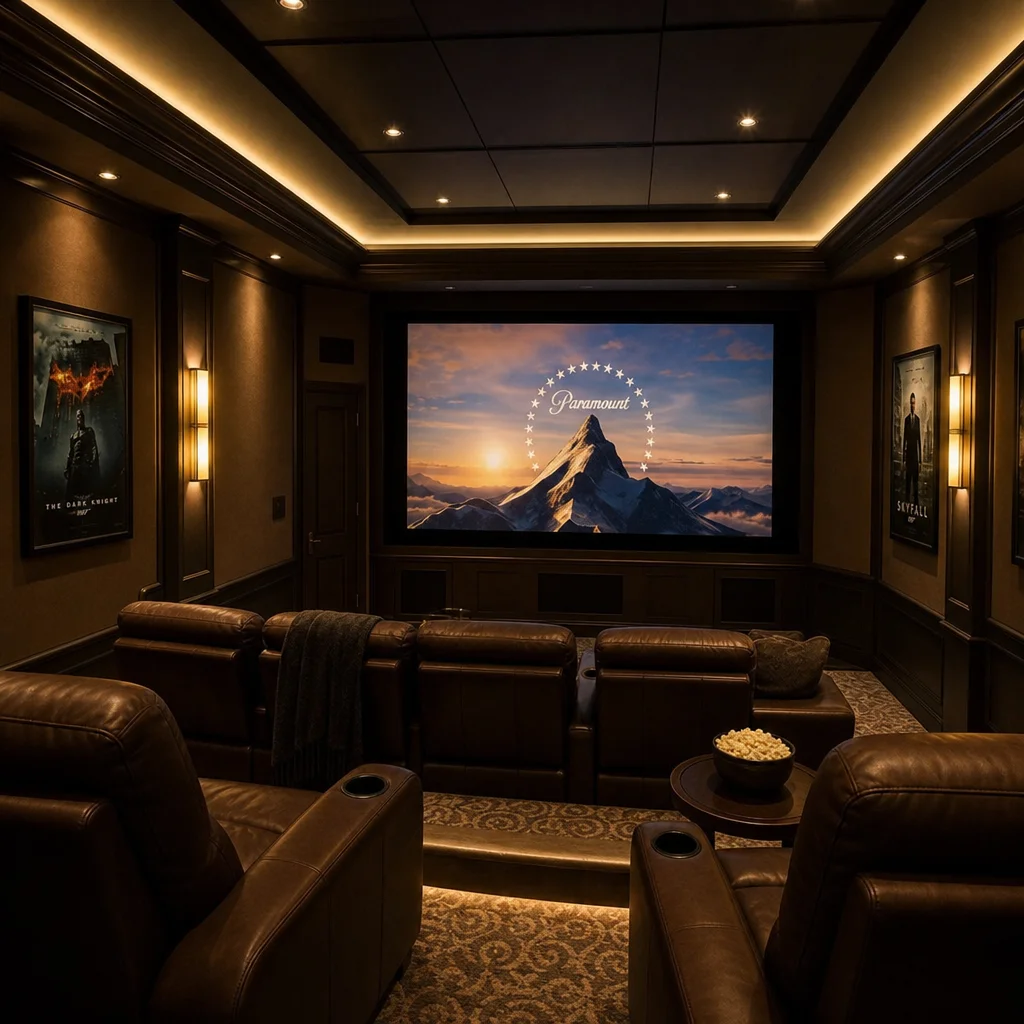
Stylish Home Theater Decorations Guide
Transform your spare room into an immersive cinematic escape with creative home theater decorations and stylish movie room ideas.
10 min read
A TV that is too small disappears into the wall; one that is too large for the seating distance shows pixels and forces your eyes to scan. The sweet spot is well studied — home theater guidelines tie screen size directly to how far away you sit.
This calculator works in both directions: give it your sofa-to-screen distance and it recommends a TV size, or give it a TV you are considering and it tells you the seating distance range where it will look its best.
Measure from the main seating position to where the screen will be, in feet. Measure to the wall or media unit, not the middle of the room.
Choose mixed use for everyday TV in a living room, or cinematic for a dedicated movie or home theater setup where you want the screen to fill more of your field of view.
The calculator returns the ideal diagonal and a sensible range. TVs are sold in standard sizes (55, 65, 75, 85 inches), so pick the standard size closest to the recommendation.
Already have a TV in mind? Enter its diagonal instead to see the seating distance range where it performs best, and confirm your room allows it.
The calculator uses the widely adopted distance-to-diagonal ratios: for mixed everyday viewing, screen diagonal ≈ viewing distance ÷ 1.5; for a cinematic setup, ÷ 1.2 (a larger screen relative to the same distance, filling roughly a 40-degree field of view as THX recommends). Distances are converted from feet to inches before dividing.
In reverse, a given diagonal implies a comfortable seating range of roughly 1.2 to 2 times the diagonal. These ratios assume 4K resolution, which is standard today — 4K pixel density is high enough that sitting at the near end of the range does not reveal pixel structure. For 1080p sets, stay at the far end of the range.
Divide your viewing distance in inches by 1.5 for everyday mixed viewing, or by 1.2 for a cinematic setup. Sitting 9 feet (108 inches) away, that means roughly a 70 to 75 inch TV for mixed use.
A comfortable range for a 65-inch 4K TV is about 6.5 to 11 feet, with roughly 8 feet as the sweet spot for mixed viewing. Closer suits movies; farther suits casual viewing and bright rooms.
Yes. If the screen diagonal is much larger than your viewing distance divided by 1.2, you will be scanning the screen rather than taking it in, and low-quality content will look noticeably soft. Aesthetically, an oversized TV can also dominate a small room’s decor.
It lets you sit closer — or buy bigger — than the old 1080p guidance. At 4K you can sit as close as 1.2 times the diagonal without seeing pixels, which is exactly what the cinematic setting in this calculator assumes.
Center the screen at seated eye level, which is typically 42 inches from the floor. Mounting high above a fireplace forces an uncomfortable neck angle; if you must go higher, a tilting mount helps.
Transform your spare room into an immersive cinematic escape with creative home theater decorations and stylish movie room ideas.

Transform your living room into a festive haven with these creative Christmas decorated living room ideas. Discover stylish tips for any space or budget.

Transform your living room with stylish coffee table decor ideas. Discover top trends, accessories, and tips for cozy, personalized living room spaces.